A moment by the lake
Straighten the frame and bring attention back to the subject.
The original depicts a fictional AI-generated person. The result was developed with Chupian.
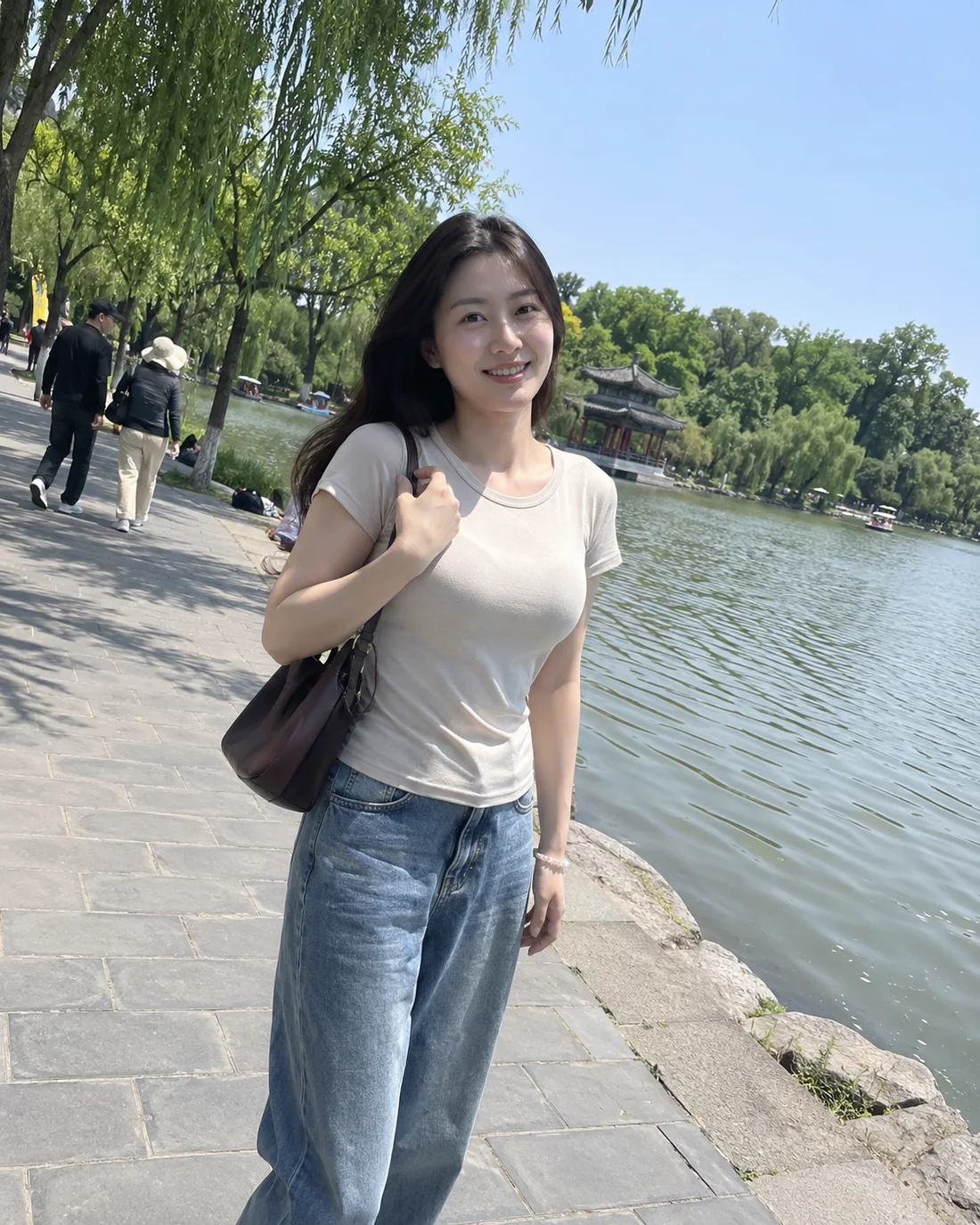
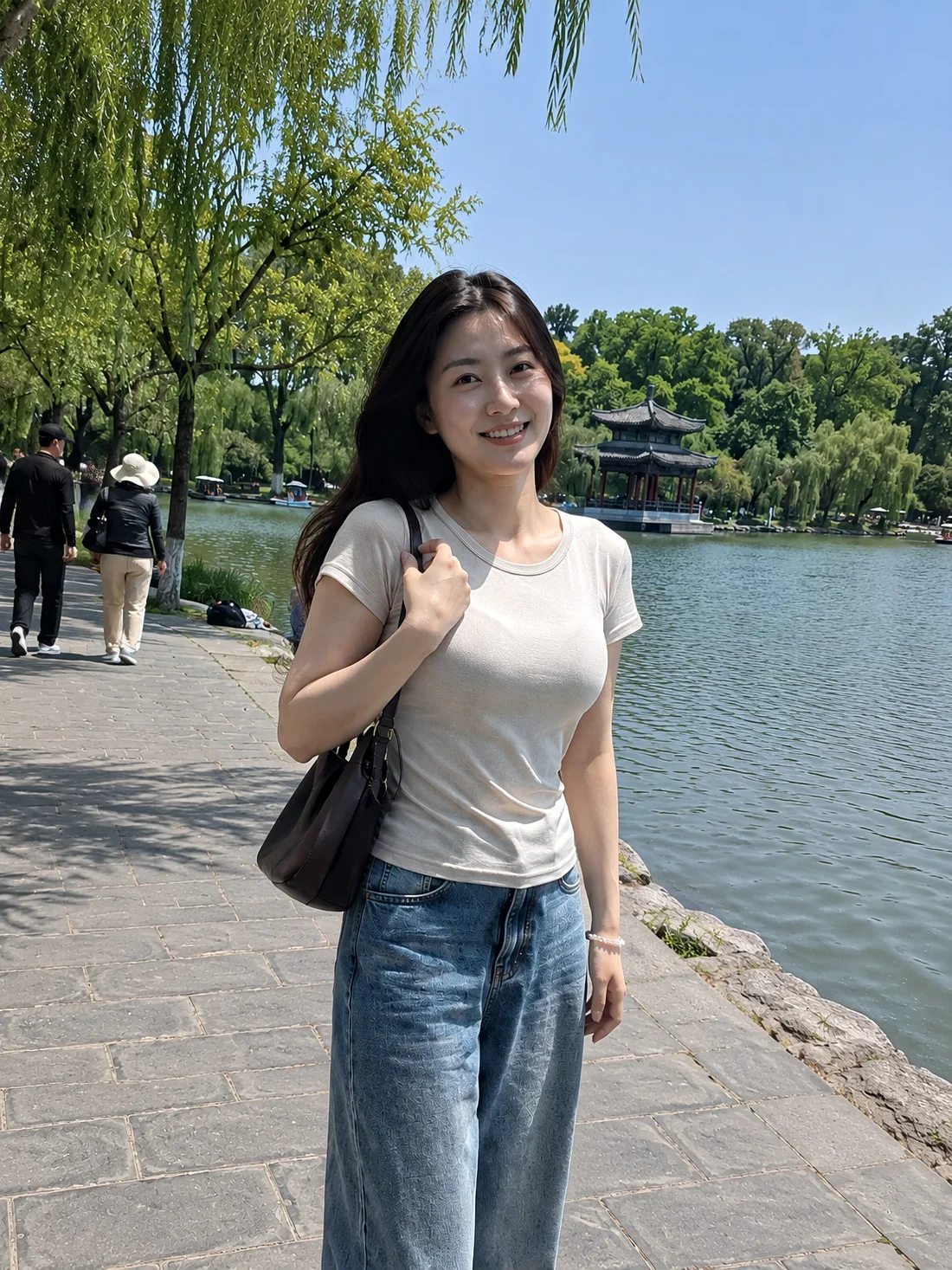

Bring one photo, or a few from the same scene, to the counter. See a moment you love in a new light.
Download on the App StoreBrowse your photos and discover moments worth revisiting.
A wider frame gives the sunset and winding path more room to breathe.

Straighten the frame and bring attention back to the subject.
The original depicts a fictional AI-generated person. The result was developed with Chupian.
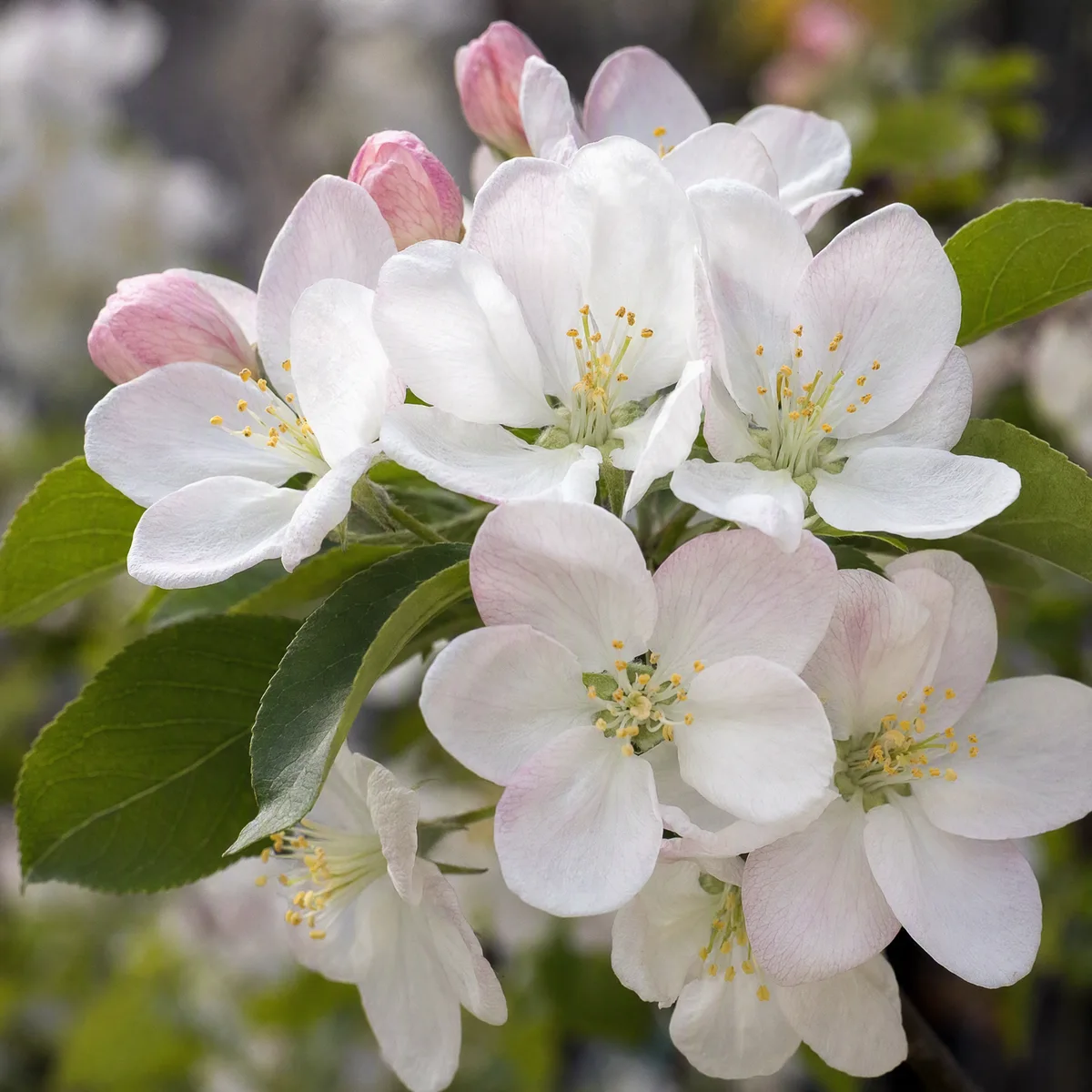
The details worth keeping can be close to home.
A finished photo from the Chupian archive.
Inside the photo lab
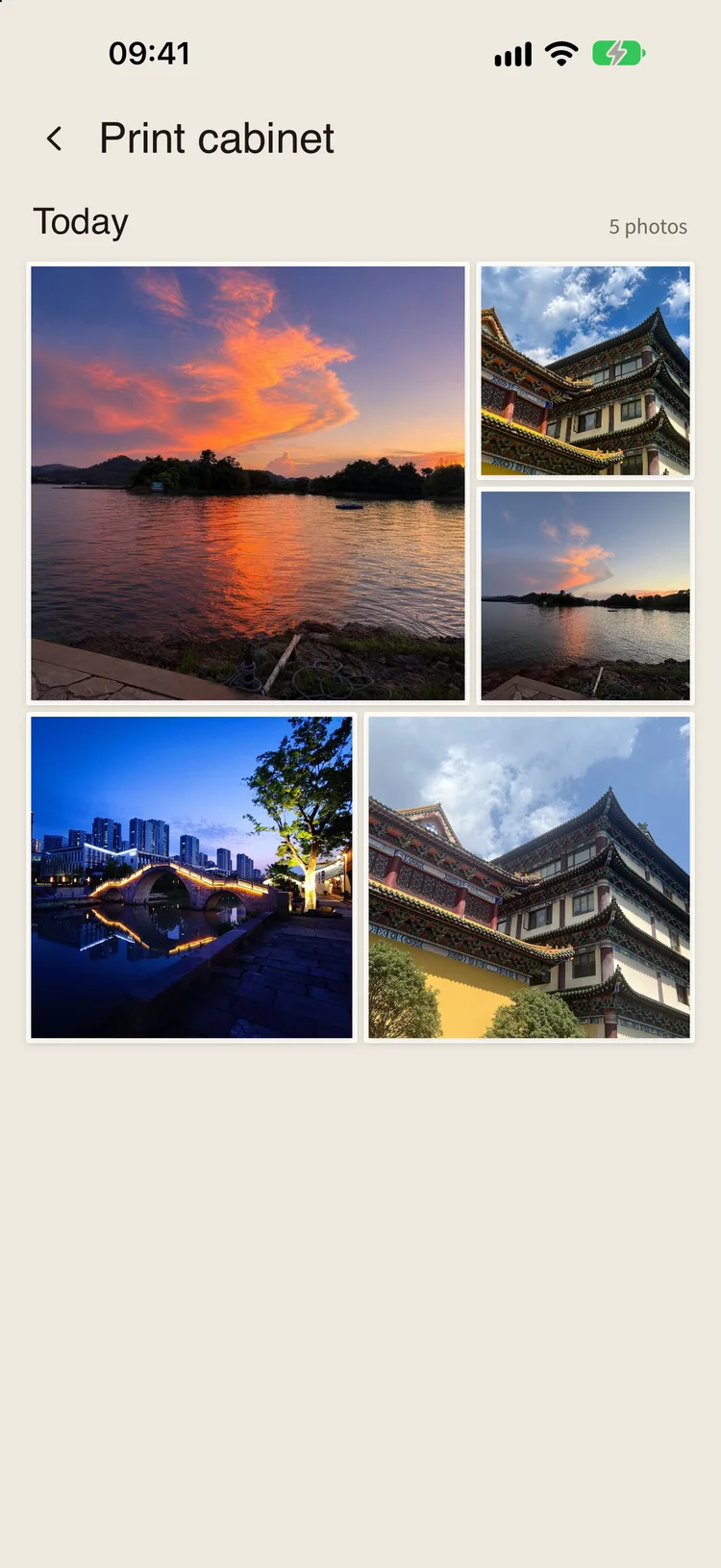
Start at the counter, follow progress on the drying line, and revisit your photos in the cabinet.
Preview of the upcoming iPhone interface
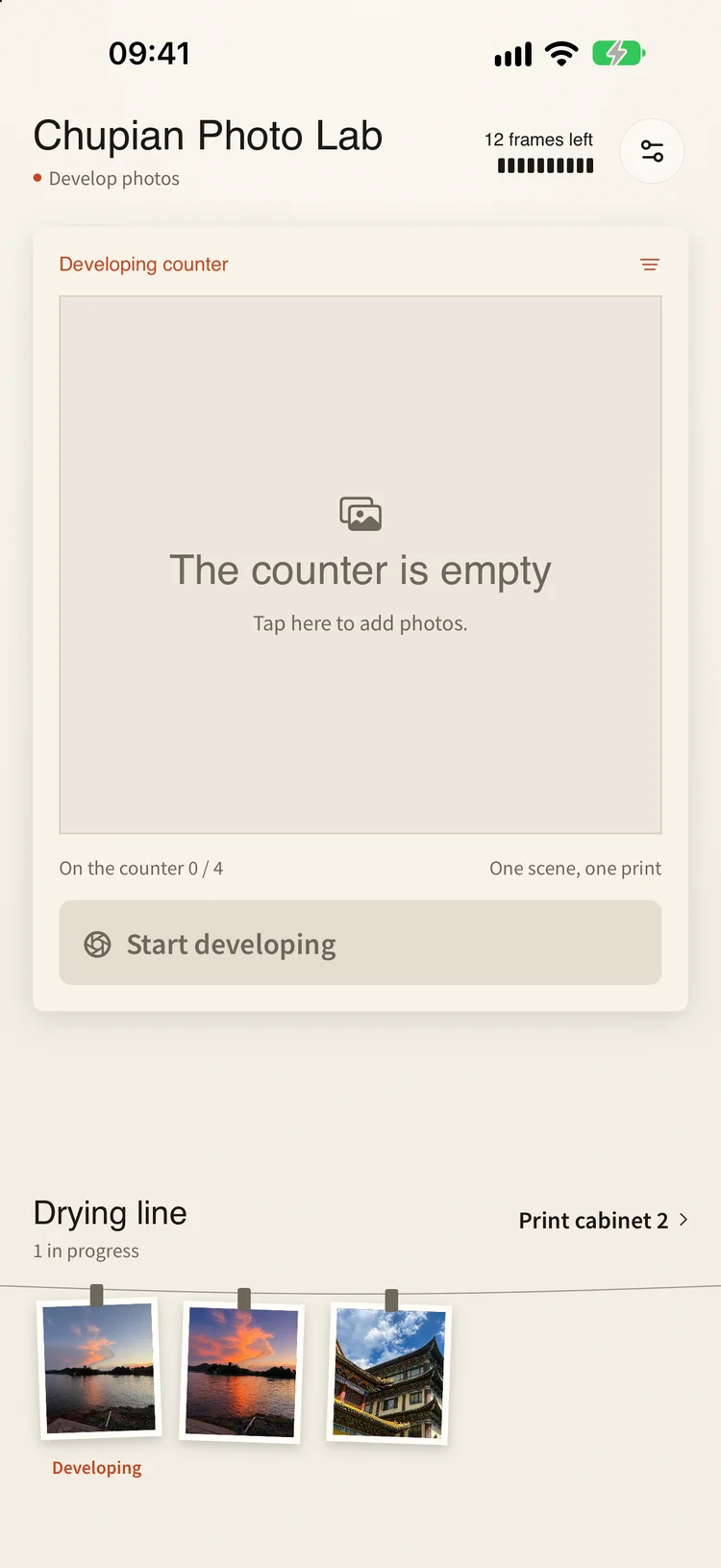
Choose from your library or take a photo in the app.
Add 1–4 photos of the same scene. Each develop makes one finished photo.
Choose an aspect ratio and quality, then tap Start Developing on the photo envelope. The app asks for your permission before sharing selected photos with AI services for your first develop. Standard uses 1 frame, and Fine uses 3. Film prices are shown in the App Store.
For iPhone
Allow Google Analytics to measure visits and interactions on this website. It is off by default. This browser remembers your choice, and you can change it here at any time.